# Herding Agents
URL: https://danylovorvul.com/blog/herding-agents/
Author: Danylo Vorvul
Date: 2026-09-02
Tags: tooling, agents
Description: Agents flipped the ROI of terminal craft, and the bottleneck moved to multitasking. The trail — tmux, a homegrown agent space, cmux — ends at herdr.dev.
I loved tmux years before it made any financial sense to.
That's the confession. Terminals and TUIs are my natural habitat, but before agents, every hour of tmux scripting was an hour the setup had to pay back — and it never did. Productivity has one boring rule: if I invest the time, I want the time back. Hand-writing tmux configs to arrange panes just so failed that rule every single time. So I rationed the hobby and kept the setup modest.
Agents flipped the sign on that math.
When Claude Code writes the tmux script, the investment side of the ledger collapses to a prompt. Building your own IDE in the terminal stops being a guilty hobby and becomes the cheap option. I went appropriately crazy.
Then the crazy hit a wall, and the wall taught me something: our tooling isn't ready for agents. I was running three to five VS Code windows, each hiding a Claude Code session somewhere in its panels, and "which window was that agent in" became a real line item in my day. The agentic era is about efficient multitasking — not how fast you drive one agent, but how many you keep moving without losing any. Every tool on my machine was built for one human doing one thing.
So I did what the new math allows: built my own. A tmux multi-agent space that showed me which agents were running where. It worked — until maintaining it started to eat more than it saved, and my own ROI rule ate my own tool. I moved to [cmux](https://github.com/manaflow-ai/cmux), which is close, but seeing *finished* agents is weaker there than in my homegrown thing. And a finished agent you don't notice is the same as an agent you never ran.
Today the search ended: someone god-dropped [herdr.dev](https://herdr.dev).
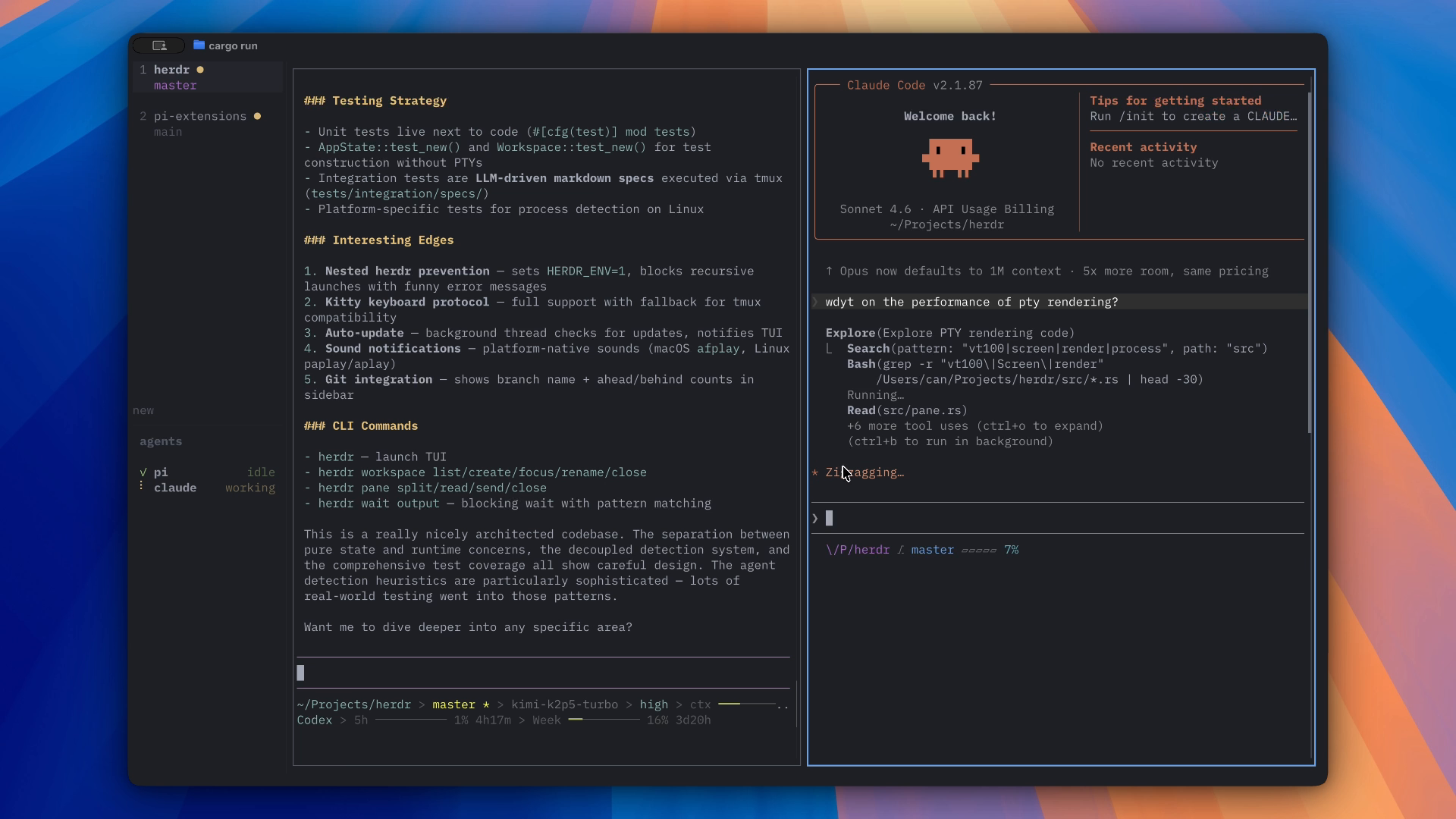
Two workspaces, two agents, zero hunting. The sidebar is the point.
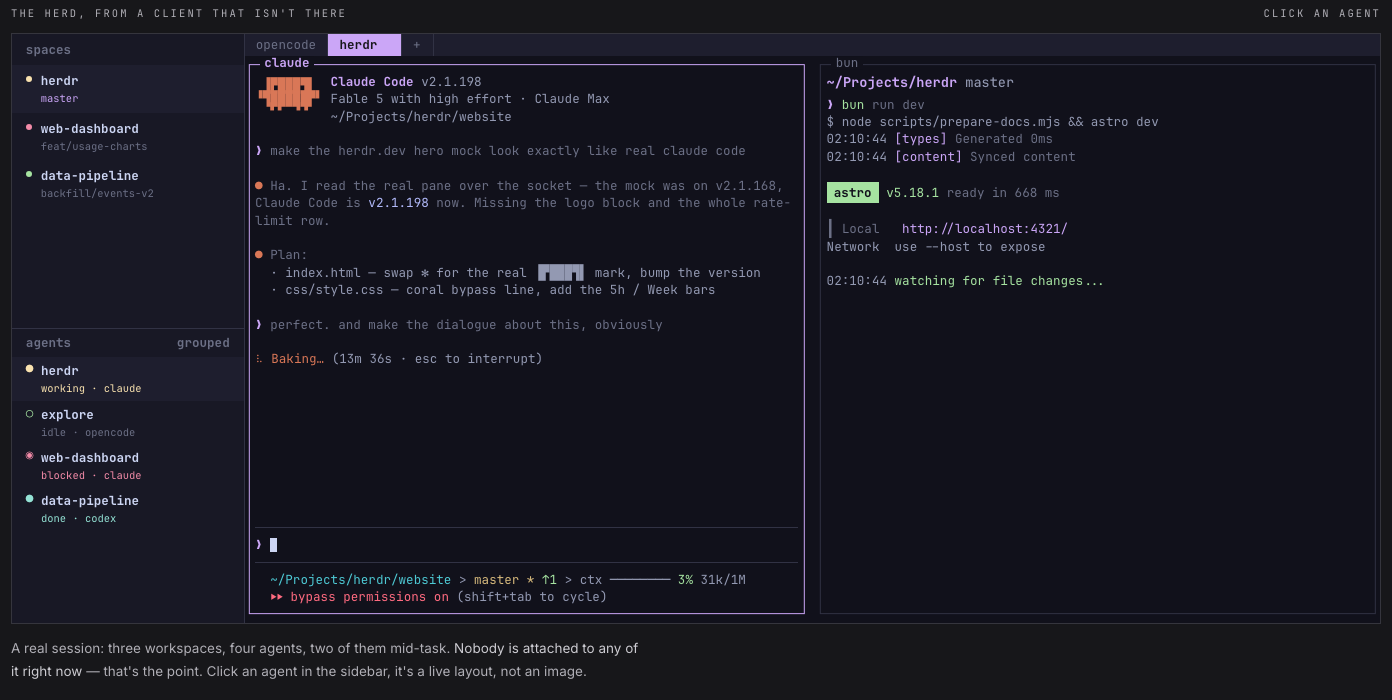
Herdr is the thing I kept trying to build, finished by people who ship it as one binary. A background server holds real terminals open, so agents keep working when the laptop lid closes, and the session is waiting wherever you next log in. The sidebar reads every pane and marks each agent working, blocked, idle, or done — the exact visibility my tmux rig had and cmux lost. I don't dig through windows for the stuck agent anymore, and I don't discover a finished one an hour after it stopped billing me attention.
Four agents, marked working, idle, blocked, done — and nobody attached to any of them.
The try-it guide is honestly short:
```
curl -fsSL https://herdr.dev/install.sh | sh
```
macOS, Linux, Windows; Apache 2.0; homebrew and nix if that's your religion. Then run `herdr` in any project directory. It detects the agent CLIs you already have — Claude Code, Codex, opencode, twenty-one of them out of the box — so you change nothing about your agents, only where they live. Mine runs on the laptop: I spin up a few agents, close the lid, and the herd keeps grazing.
It's the best agentic orchestration experience you can set up on your own machine right now, and I earned the right to that superlative by building and abandoning two of them. Unlike my tmux scripts, this one costs one curl.
For years I rationed my terminal obsession because the hours never came back. They come back now.